Online & hybrid events
Online Event Attendance Tracking
Know who actually joined, without exporting meeting reports.
For online and hybrid events, every guest gets their own join link on your Vizito site instead of the raw meeting link. When they click it, their attendance is recorded and they are taken straight to the meeting. The real meeting link is never shared publicly.
Why it matters
Why teams use Online & hybrid events in Vizito
Automatic attendance
A click on the personal join link marks the guest as "joined online" with the time.
Meeting link stays private
Guests never receive the raw meeting link, so it cannot be forwarded to people who did not register.
Join window
Links open 30 minutes before the start. Early visitors see a countdown and join automatically.
Any platform
Works with Zoom, Google Meet, Microsoft Teams or any meeting link.
Hybrid ready
Venue guests check in with QR codes, remote guests through their join link, and both are tracked.
Accurate reports
Online attendance counts towards your show rate automatically.
How it works
Up and running in minutes
- 01
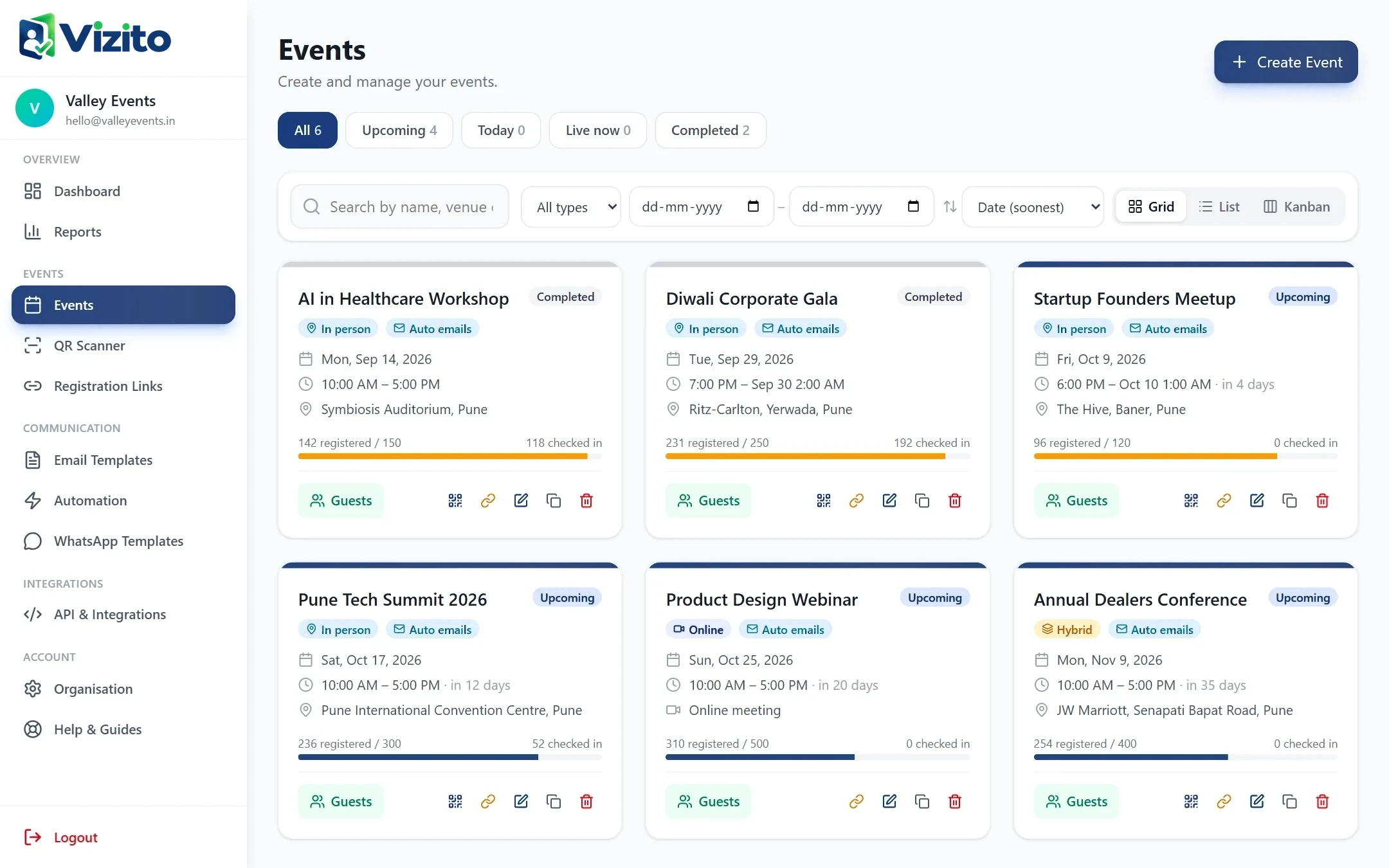
Create an online event
Choose online or hybrid and paste the meeting link.
- 02
Invite guests
Emails, WhatsApp messages and the pass page contain each guest's personal join link.
- 03
Guests join
Clicking the link records attendance and opens the meeting.
FAQ
Questions about Online & hybrid events
How do I track attendance for an online event?
Vizito gives each guest a personal join link. When the guest clicks it during the join window, their attendance is recorded and they are redirected to the meeting.
Do guests see the real Zoom or Google Meet link?
No. They receive their personal Vizito join link, and the meeting link is only handed out at the moment they join.
When does the join link start working?
It opens 30 minutes before the event starts and closes when the event ends. Earlier visitors see a countdown.
Keep exploring
Related features
Seamless Events, All in One Place
Start using Online & hybrid events today.
Create your account, add your first event and start sending QR passes in minutes.
- No app to install
- Works on any phone
- Set up in 5 minutes